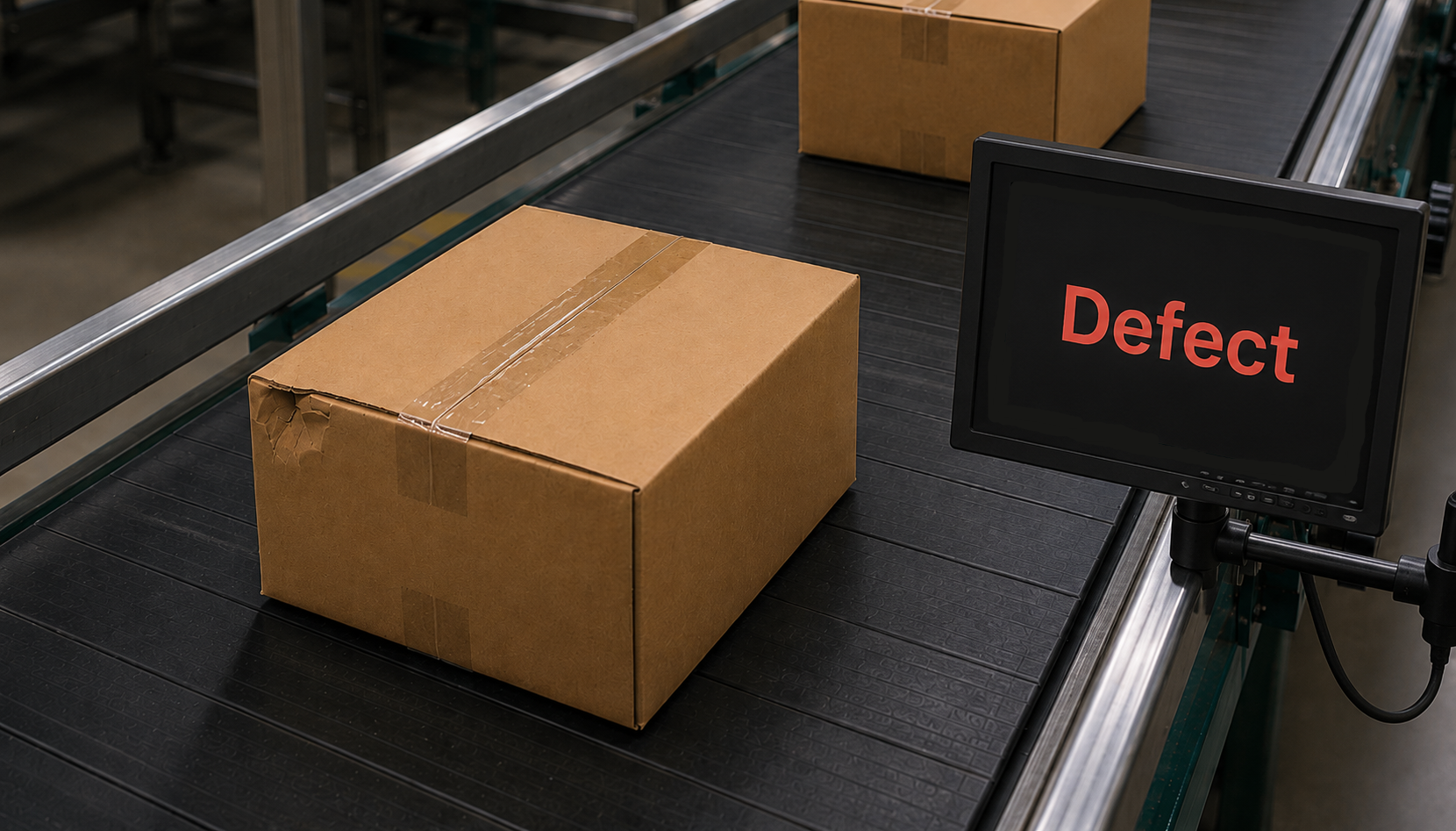
Classification
Identify what an image shows at a glance. Best for applications where each image needs one clear, overall label.
Learn MoreAI Extension for ONE WARE Studio
Label. Train. Deploy. All inside ONE WARE Studio.
Add images to your dataset or use the Import-Tool.
AI Extension for ONE WARE Studio
Manage your dataset, define your hardware, tune the model, and run the training — all from a single application on your own machine.
Import, label, and split your images into training, validation, and test sets, all in one place.
Select your target hardware and our ONE AI algorithm predicts the optimal model architecture for your device.
Fine-tune the ONE AI model so that accuracy, speed, and memory usage match your requirements.
Start the training, follow live insights, and evaluate the results — then export the finished model for deployment.
Flexible Labeling
Identify what an image shows at a glance. Best for applications where each image needs one clear, overall label.
Learn More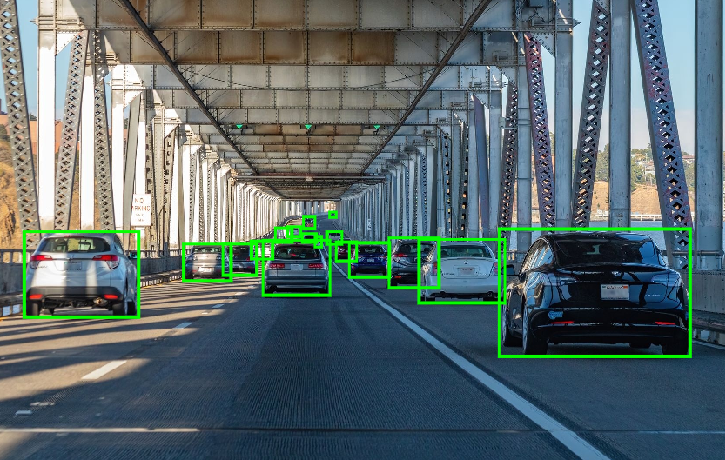
Teach your model to find objects and defects by simply drawing boxes around them. Ideal for locating multiple items within an image.
Learn More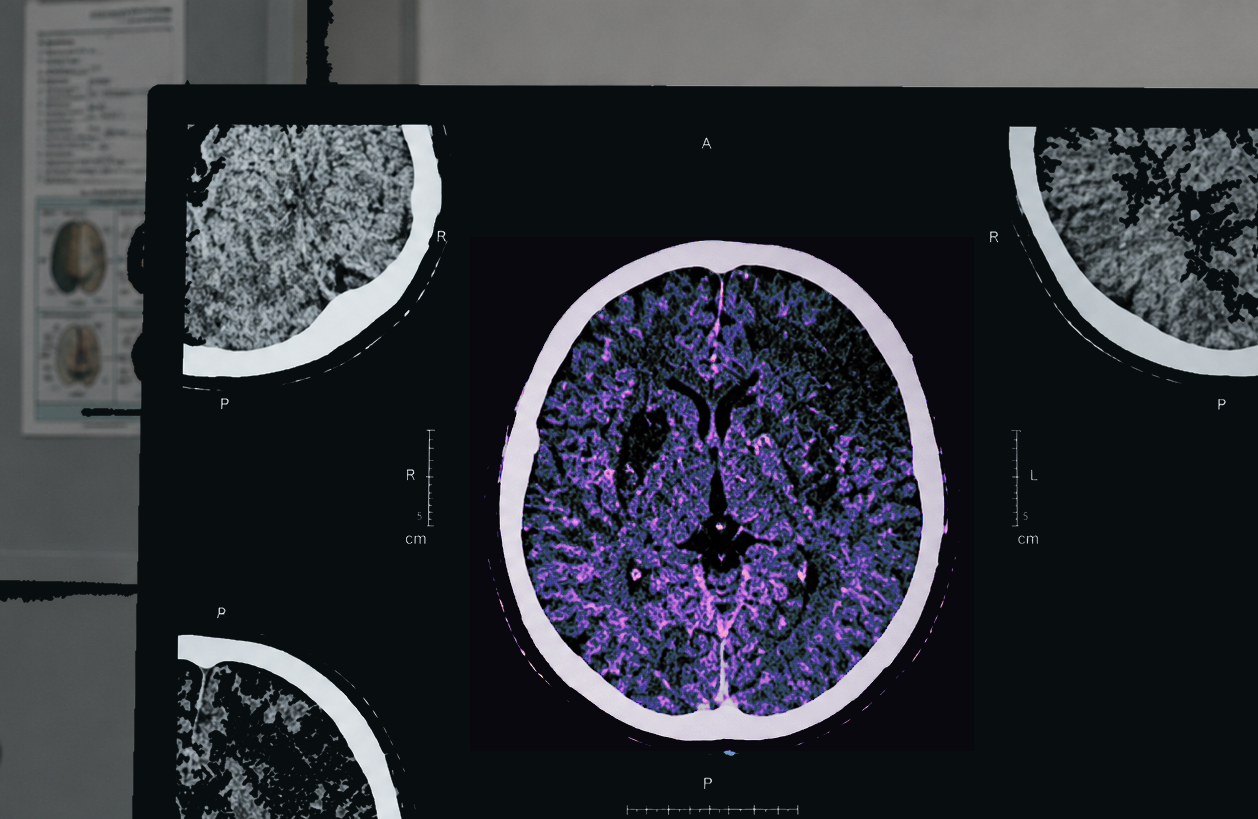
Capture even the finest details with pixel-precise masks around objects and defects. Built for applications where every boundary matters.
Learn MoreImage Processing Pipeline
Build a processing chain that fits your task. Prefilters clean up and highlight what matters, augmentations expand your dataset, and every change is visible right away.
Crop, normalize, sharpen, threshold, CLAHE and more, so the model sees exactly what it needs.
Move, rotate, flip, mosaic, color, noise and more turn a small dataset into a diverse one.
Every filter and augmentation is previewed directly on your images, so you see the effect before you train.
Stack and reorder steps however your application requires. No fixed pipeline, no code.
Camera Tool
Build your dataset without leaving ONE WARE Studio: connect your cameras, capture labeled images, and validate your model on a live stream.
Add the cameras connected to your machine, run several of them in parallel, or replay an existing dataset with a simulated camera.
Record from all cameras at once, sort images into train, test, or validation, and let an existing model pre-label them while you capture.
Run your trained model on the live camera stream and see predicted classes and bounding boxes drawn straight onto the image.
Install ONE WARE Studio, add the ONE AI extension, and train your first Vision AI model with free monthly training minutes. Not sure where to start? Talk to us.