Prefilters
Prefilters process images before and after augmentation to normalize input data and improve model performance. They are configured in the Prefilters tab.
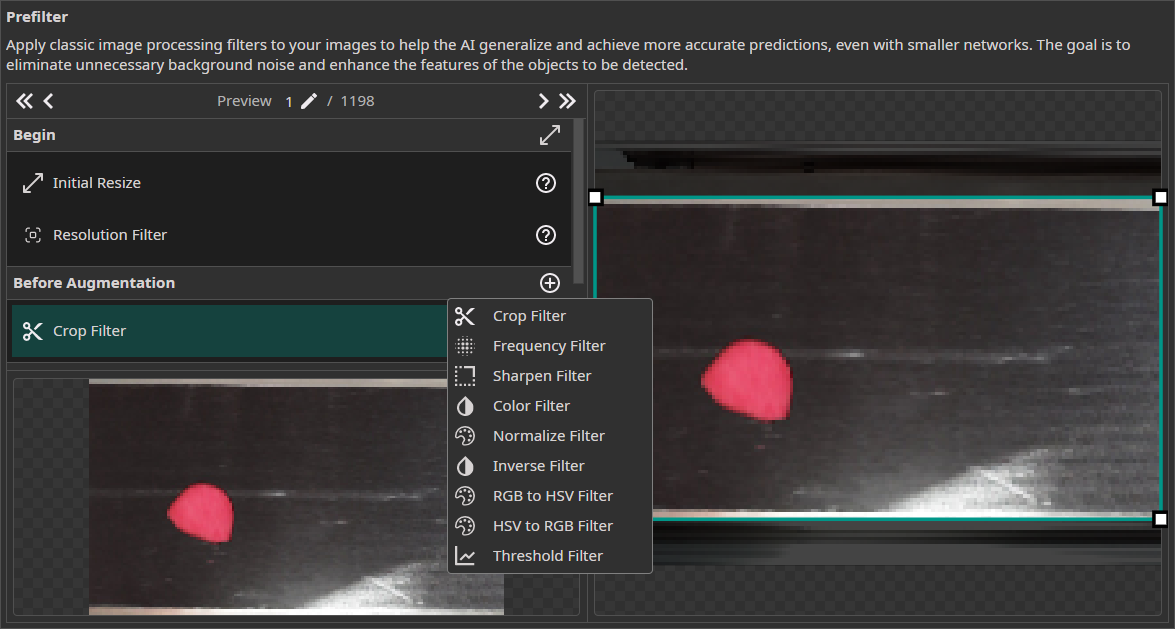
The right panel shows the selected filter's settings and a single-image preview. The bottom-left panel shows a preview of the complete pipeline output.
Data Processing Pipeline
Filters are organized into sequential pipeline stages:
| Stage | Description |
|---|---|
| Begin | Initial Resize and Resolution Filter — normalizes image dimensions |
| Before Augmentation | Color correction, cropping, and other preprocessing |
| Static Augmentations | Fixed-order augmentations applied first |
| Dynamic Augmentations | User-orderable augmentations (can be applied multiple times) |
| After Augmentation | Post-augmentation filters (e.g., frequency filtering, thresholding) |
| End | Channel Filter — removes individual color channels |
Resolution Filters
Initial Resize
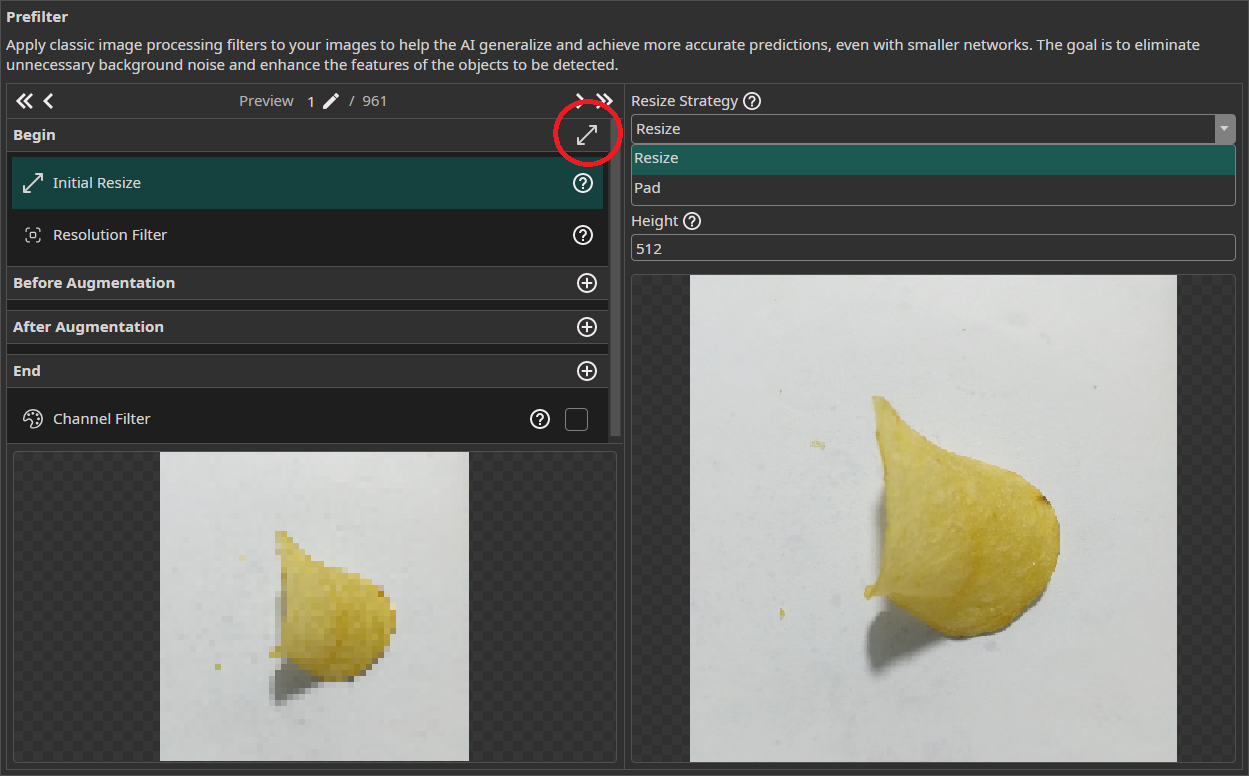
Normalizes all images to a uniform size. Options:
- Stretch — scales images to target dimensions (may distort aspect ratio)
- Padding — adds black borders to preserve aspect ratio
Use the auto-size button (right of Begin) to match the largest image in the dataset.
Resolution Filter
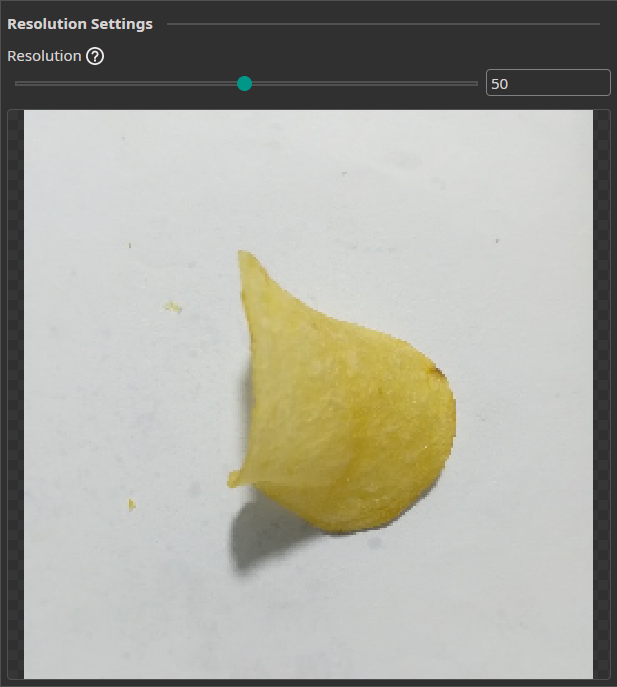
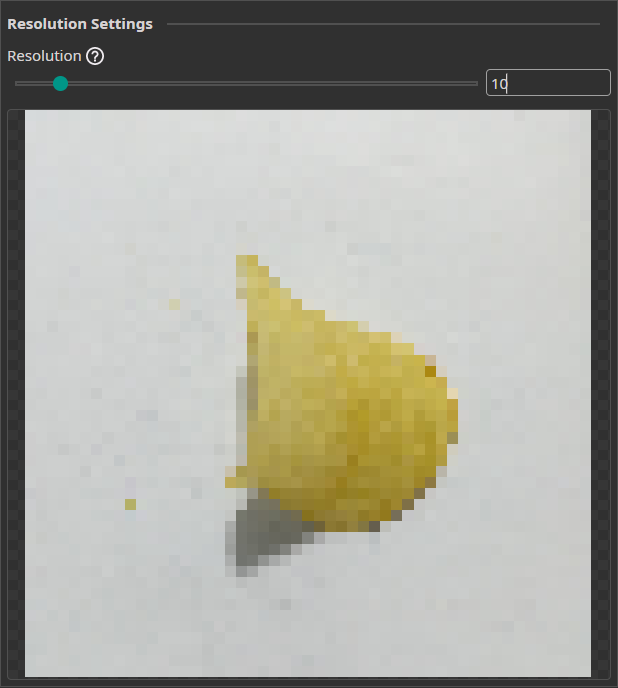
Reduces image resolution by a configurable factor. Lower resolution decreases inference time and can improve accuracy when fine detail is irrelevant. Resolution must remain sufficient to preserve key features.
Basic Filters
Crop Filter
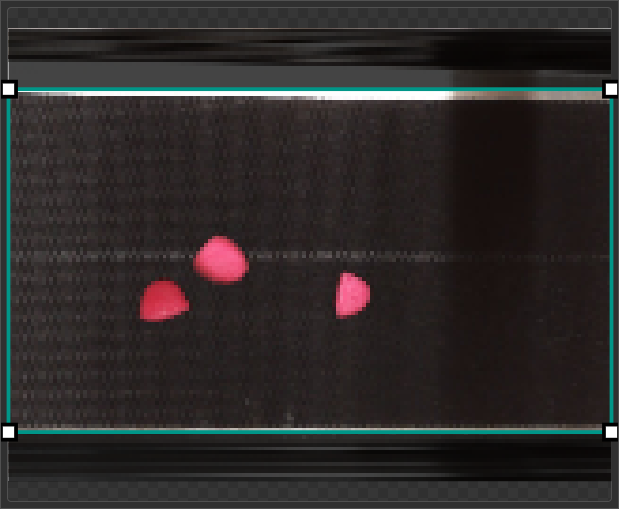
Crops images to a defined region of interest, removing irrelevant areas (e.g., conveyor belt surroundings).
Frequency Filter
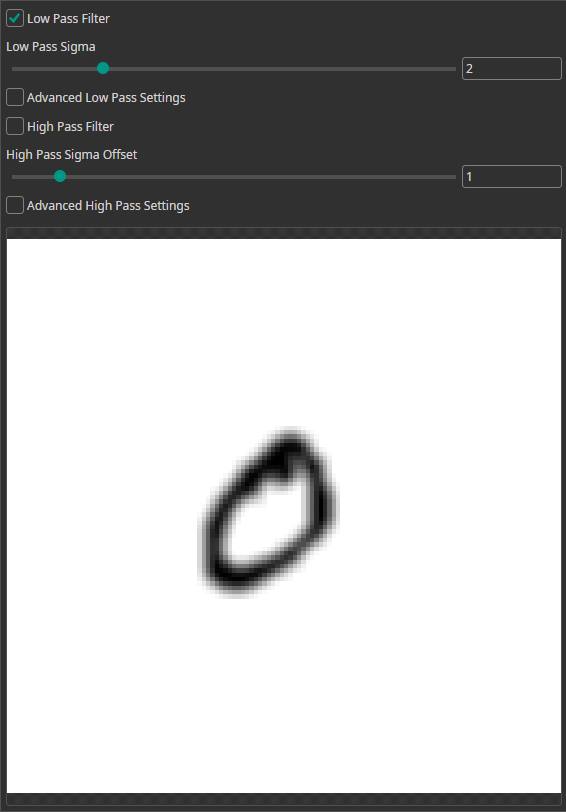
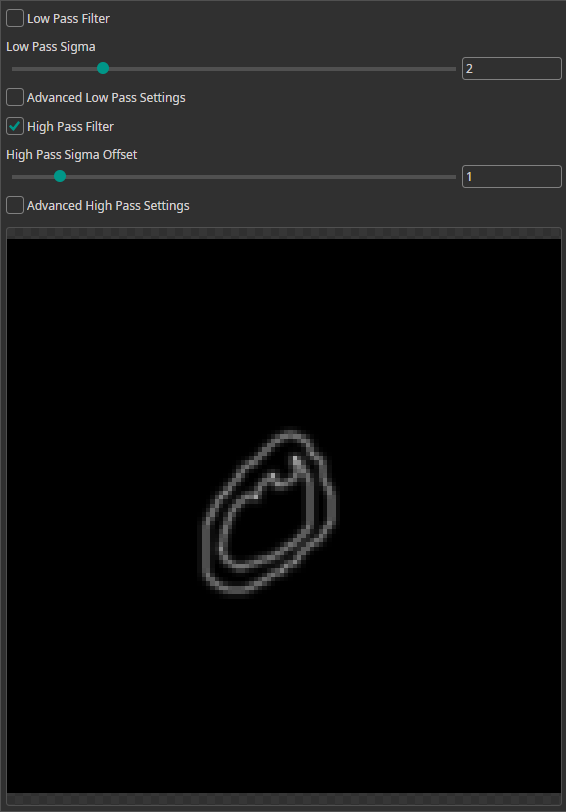
| Type | Effect |
|---|---|
| Low-pass | Passes low frequencies, removes sharp edges → blurred output |
| High-pass | Removes uniform color areas, highlights edges |
Sharpen Filter
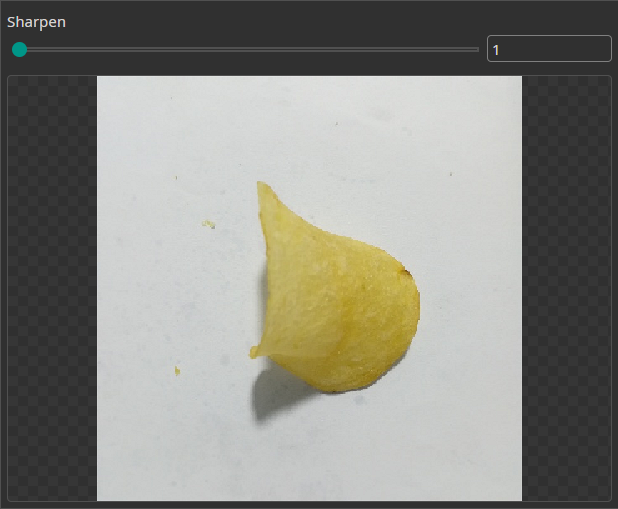
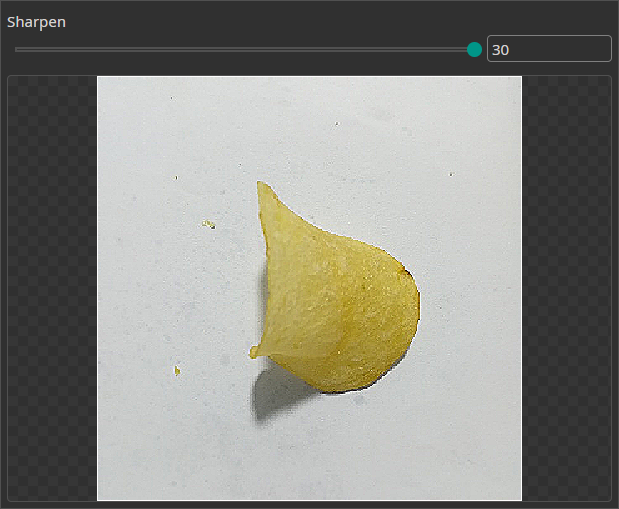
Increases edge contrast to emphasize object boundaries.
Color Filter
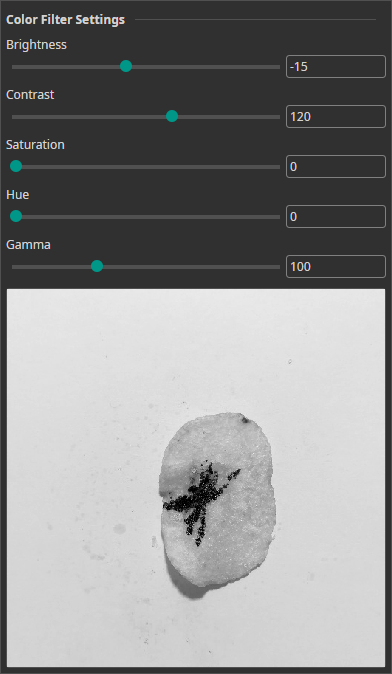
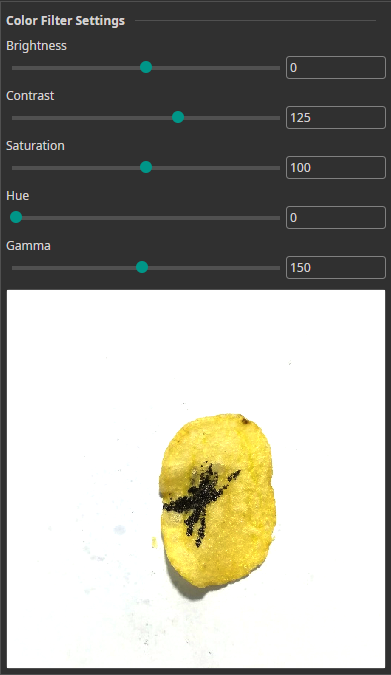
Adjustable parameters:
| Parameter | Effect |
|---|---|
| Brightness | Overall lightness |
| Contrast | Difference between light and dark areas |
| Saturation | Color intensity |
| Hue | Color shift |
| Gamma | Non-linear brightness curve |
Advanced Filters
Normalize Filter
Rescales pixel values so the darkest pixel maps to 0 (black) and the brightest to 255 (white). Useful for datasets with inconsistent exposure.
Inverse Filter
Inverts all pixel values (black ↔ white). Neural networks tend to perform slightly better detecting light objects on dark backgrounds.
RGB ↔ HSV Filters
| Filter | Direction | Use Case |
|---|---|---|
| RGB to HSV | RGB → HSV | Enables hue-based thresholding for color segmentation |
| HSV to RGB | HSV → RGB | Converts back after HSV-domain processing |
Standardization Filter
Performs per-image standardization equivalent to tf.image.per_image_standardization:
- Compute the global mean across all pixels and channels
- Compute the adjusted standard deviation:
adjusted_std = max(std, 1 / sqrt(N))where N = width × height × channels - Standardize:
(x − mean) / adjusted_std - Clip to
[−clipSigma, +clipSigma] - Remap to
[0, 1]:(x + clipSigma) / (2 · clipSigma)
| Parameter | Description |
|---|---|
| Clip Sigma | Clipping range in standard deviations applied after standardization. Lower values (e.g. 1.5) increase contrast but clip more outliers. Higher values (e.g. 3.0) preserve more dynamic range with less contrast. Default: 2.0. |
Threshold Filter
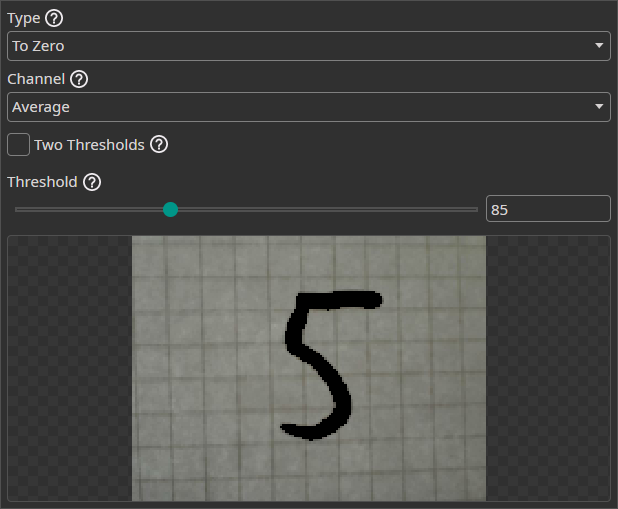
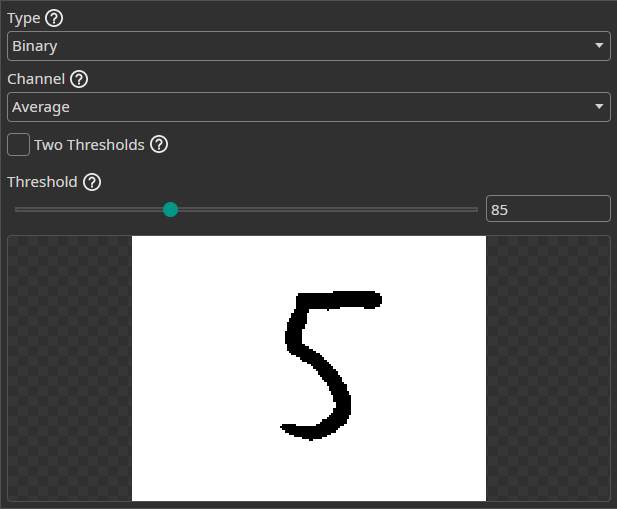
Segments images by pixel intensity. Supports single-threshold and dual-threshold modes.
Single-threshold operations:
| Operation | Below Threshold | Above Threshold |
|---|---|---|
Binary | → Black | → White |
To Zero | → Black | Unchanged |
To One | → White | Unchanged |
To Zero Inverted | Unchanged | → Black |
To One Inverted | Unchanged | → White |
Dual-threshold mode: Operations apply to pixels between or outside the two thresholds (behavior depends on operation type).
Channel selection: Threshold can be evaluated on the average of all channels or a single channel. When using a single channel, the operation can target that channel only or all channels. Combines effectively with the RGB to HSV filter for hue-based extraction.
Channel Filter
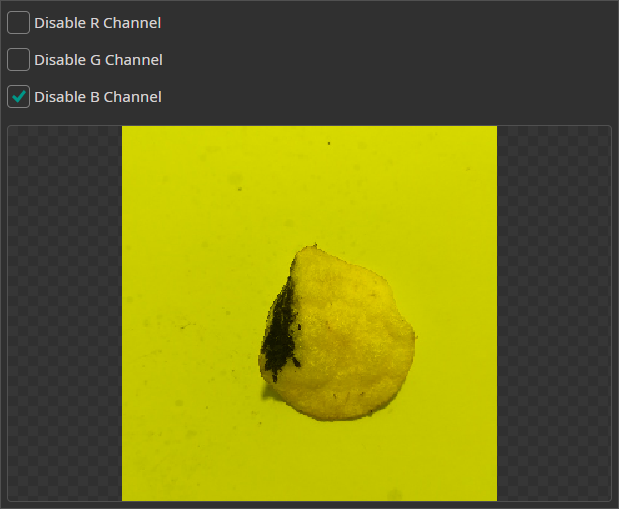
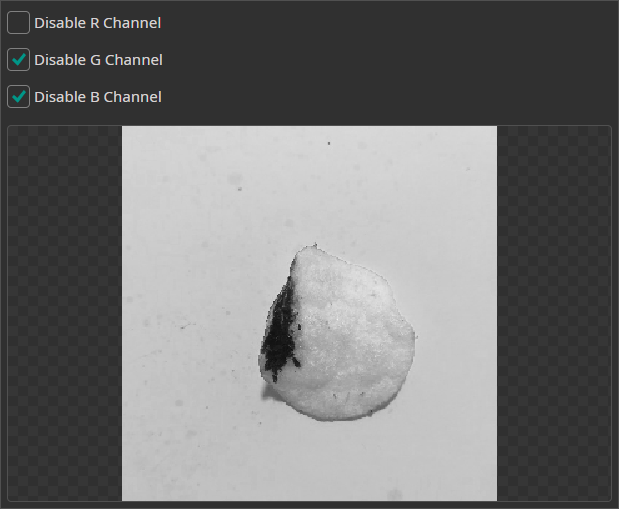
Removes or isolates individual color channels. Useful when a channel contains only noise or no discriminative information.

Need Help? We're Here for You!
Christopher from our development team is ready to help with any questions about ONE AI usage, troubleshooting, or optimization. Don't hesitate to reach out!