Object detection
Once the matching Annotation mode is selected, clicking an image in the Dataset tab opens the Annotation Tool dialog.
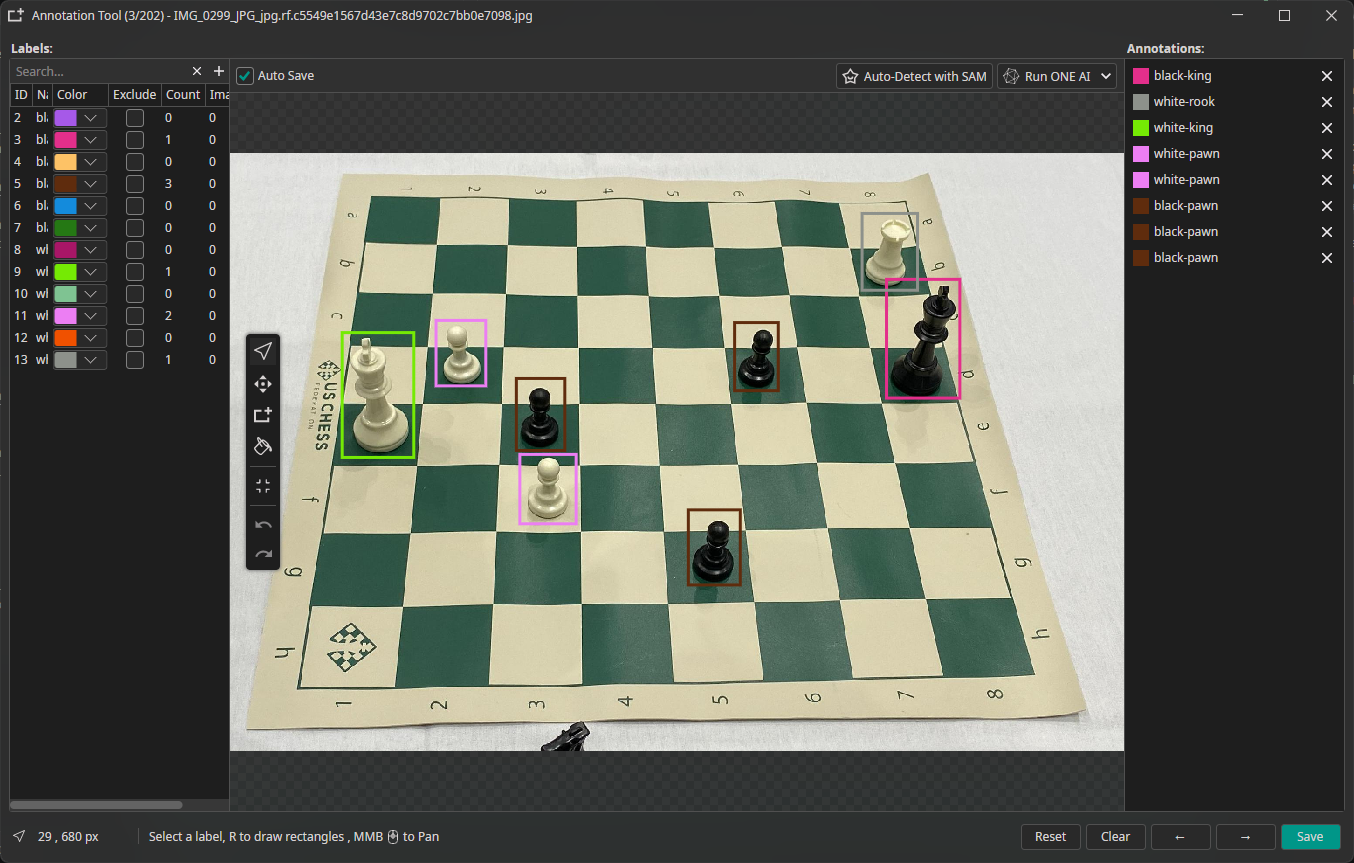
Use the toolbar on the left or the shortcuts to switch the mode. In the Rectangle mode you are able to draw bounding boxes.
| Shortcut | Tool | Description |
|---|---|---|
| R | Rectangle | Draw a bounding box around an object |
| C | Cursor | Select, move, and resize existing boxes |
| L | Relabel | Relabel existing boxes |
| Delete | Delete | Remove the selected bounding box |